
First-Time Gift Card Seller? Your Complete Checklist (2025)
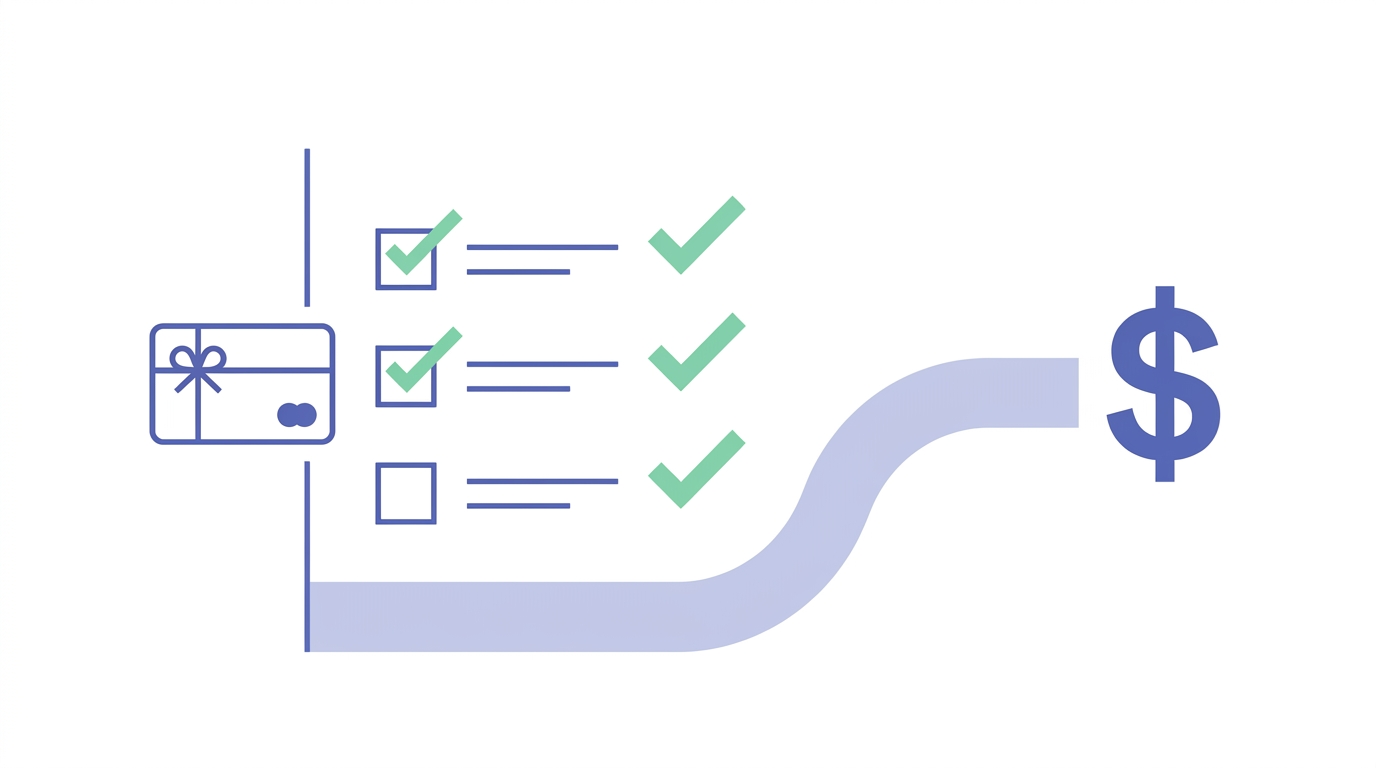
Is This Really My First Time Selling a Gift Card?
If you're staring at an unused gift card and wondering how to turn it into actual cash, you're not alone. Thousands of first-time sellers come to GC Nexon every month with the same question: "What do I actually need to do this?" Here's your complete checklist to get it right the first time.
Before You List: What You Actually Need
Before you start the selling process, gather these essentials:
- The physical card (or a clear screenshot if it's digital)
- Card number and PIN — check the back of physical cards; digital cards usually show these in your email or app
- Proof of balance — most buyers want a screenshot from the merchant's balance-check page
- A payout method — we support PayPal, Cash App, Zelle, Bitcoin, and Chime
- Five minutes of uninterrupted time — rushing leads to typos, and typos delay payment
Don't have the original packaging or receipt? That's fine. We don't require those for most brands. What matters is proof that the card is active and unspent.
Double-Check the Balance First
This sounds obvious, but it's the #1 mistake first-timers make. Never assume the balance matches what's printed on the card. Visit the merchant's official website, enter your card details, and screenshot the result. This protects you and speeds up verification on our end.
Choosing Where to Sell: What to Look For
Not all buyback platforms pay the same rates or offer the same experience. Here's what separates the good from the sketchy:
- Transparent rate quotes — you should see an estimated payout before submitting any card details
- Fast processing times — top-tier platforms process standard cards within 24 hours
- Multiple payout options — flexibility matters, especially if you don't use PayPal
- Clear terms — if the FAQ is vague about fees or holds, walk away
At GC Nexon, we show you typical rates upfront and assign every transaction a unique reference number (format: NEXON-XXXXXX-XXXX) so you can track status in real time. No surprises, no hidden deductions.
Watch Out for Red Flags
If a site promises "100% of face value" or asks you to pay a fee before listing, close that browser tab. Legitimate buyback companies make money by reselling cards, not by charging sellers upfront.
The Submission Process: Step by Step
Once you've picked a platform, here's how a typical transaction flows:
- Select your card brand from the dropdown menu
- Enter the balance — be exact; rounding up causes rejections
- Upload card images — front and back for physical cards, full screenshot for digital
- Provide card credentials — number, PIN, and security code if applicable
- Choose your payout method — double-check spelling on PayPal emails and Cash App tags
- Submit and save your reference number — you'll need this if you have questions
Most platforms verify cards within a few hours. If something's unclear on your submission, you'll get an email asking for clarification. Respond quickly to avoid delays.
What Happens During Verification?
We check three things: the card is active, the balance matches what you claimed, and the card hasn't been reported lost or stolen. This usually takes under an hour for major brands. Smaller or regional retailers might need an extra day since we verify those manually.
After You Submit: What to Expect
Once verification clears, payment goes out immediately. Here's what timeline to expect based on your payout choice:
- PayPal / Cash App / Zelle: Instant to 2 hours
- Bitcoin: Next block confirmation (usually under 30 minutes)
- Chime: 1-2 hours during business days
If you don't see funds within the expected window, check your spam folder first. Payment notifications sometimes land there. Still nothing? Use your reference number to contact support — we can trace every transaction.
Can I Sell Multiple Cards at Once?
Absolutely. Bundling cards from the same merchant in one submission actually speeds things up. Just make sure each card number and PIN is clearly labeled if you're uploading several images.
Common First-Timer Mistakes (and How to Avoid Them)
We've processed thousands of first-time sellers. Here are the mistakes that cause 90% of delays:
- Blurry photos — use good lighting and hold your phone steady
- Partial card numbers — we need every digit, including leading zeros
- Wrong PIN format — some cards use scratch-off PINs; make sure you've fully revealed it
- Mismatched balances — always verify before listing, never guess
- Typos in payout details — triple-check your PayPal email or Cash App tag
Take an extra 30 seconds to review your submission before hitting send. That small pause prevents hours of back-and-forth.
You're Ready to Sell
Selling a gift card for the first time doesn't have to feel complicated. Gather your card details, choose a reputable platform like GC Nexon, and follow the checklist above. Most first-timers are surprised by how fast the whole process moves — often they're holding cash before they finish lunch.
The key is preparation. Know your balance, have clean images ready, and pick your payout method in advance. Do that, and you'll skip the rookie mistakes that slow everyone else down.